SVG Block is a WordPress plugin that lets users display SVG images, icons, and dividers as customizable blocks. Below are 18 ui/ux & prototyping apps with similar functionality to SVG Block, matched by what each product actually does — not ranked or scored. Explore each to find the closest fit for your use case.

SVG Icon Block is a WordPress plugin that provides a custom Gutenberg block for adding SVG icons to posts and pages. It supports direct SVG uploads, Font Awesome icons, and various customization options, making it easy for site builders and designers to enhance their content visually.
The Icon Block is a free WordPress plugin that allows users to add, customize, and manage SVG icons and graphics directly within the block (Gutenberg) editor. It includes a large icon library and supports custom uploads, making icon management easy for site designers.
All Icon Block is an open-source WordPress plugin that allows users to insert SVG icons or graphics into their websites using a dedicated block. It integrates with the WordPress icon library for easy selection and customization. The plugin is no longer available for download.
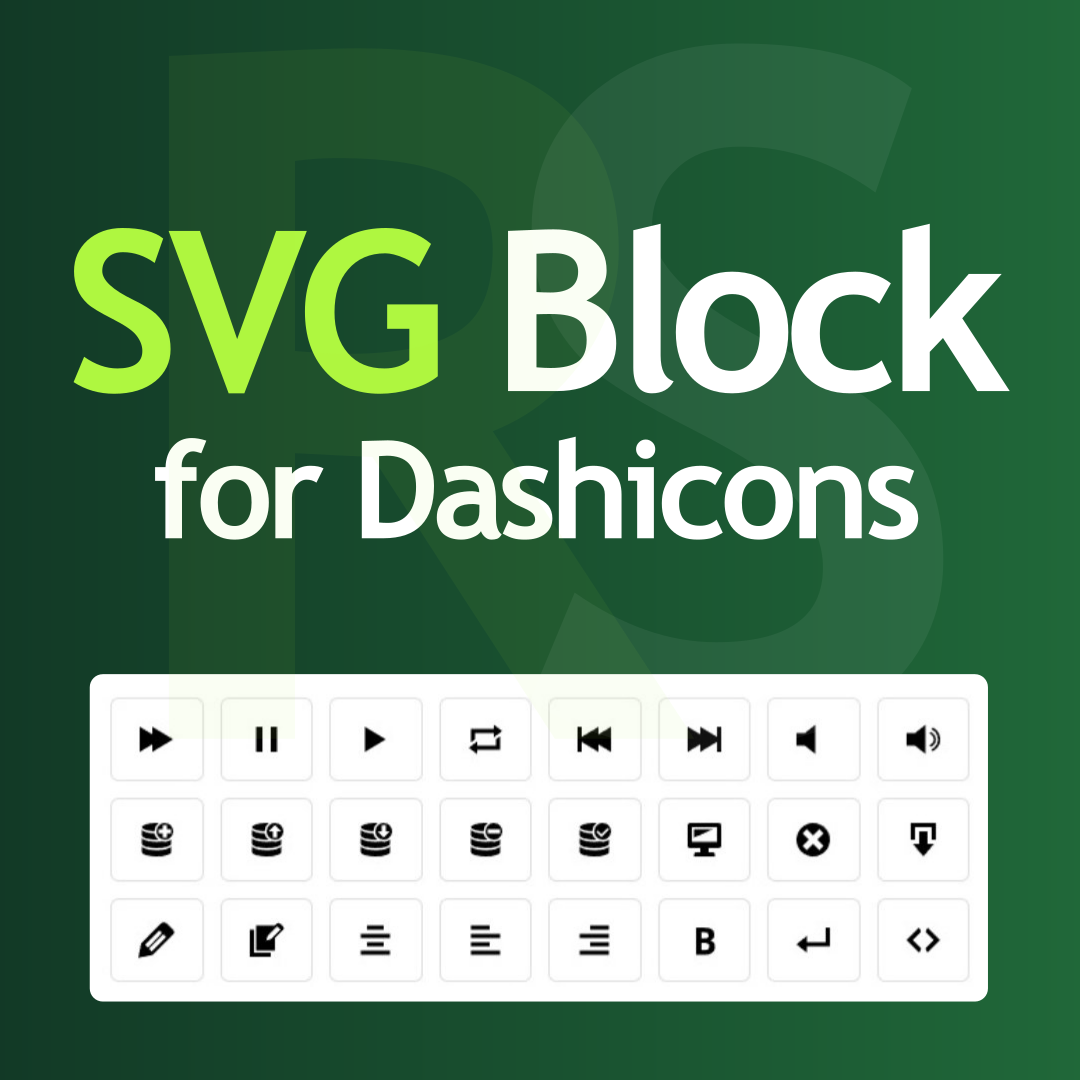
SVG Block for Dashicons by RotiStudio is a WordPress plugin that provides a Gutenberg block for inserting and customizing Dashicons as inline SVGs. It is lightweight, requires no extra assets, and is ideal for designers seeking scalable, customizable icons.
OH MY SVG is a WordPress plugin that enables users to easily add, manipulate, and optimize SVG images directly within the Gutenberg block editor. It offers dual storage modes to prevent database bloat, automatic markup sanitation, and built-in utilities for color and stroke adjustments. Designed for WordPress site owners and content creators seeking secure and efficient SVG management.
WP SVG Images is a WordPress plugin that enables secure uploading, sanitization, and previewing of SVG files in the Media Library. It provides role-based permissions and automatic filtering to ensure only safe SVG files are accepted, making it suitable for site owners who need SVG support.
Button Block is a WordPress plugin that enables users to design stylish, interactive, and multi-functional buttons with various styling options, icons, tooltips, and animations. It simplifies adding custom buttons to WordPress sites for site owners and designers.
BT SVG Viewer is a WordPress plugin that allows users to embed SVG diagrams with interactive zoom and pan controls. It features a preset builder, live preview, and supports multiple languages, making it ideal for content creators and site owners.
Section Blocks is a free WordPress plugin offering a collection of customizable section blocks for the Gutenberg editor. It helps designers and site owners build modern, responsive layouts with ease and flexibility.
Soivigol Block Slider was a WordPress plugin that enabled users to create sliders with any elements or groups using the block editor. It supported images and custom layouts, making slider creation easy for site designers. The plugin is now closed.

Theme Image Block is a WordPress plugin that enables users to register images from their theme and use them as blocks within the WordPress editor. It simplifies adding logos, icons, and other design system images to content, streamlining the editing process for site owners and developers.
Meta Display Block is a WordPress plugin providing a customizable Gutenberg block to display post meta fields with dynamic labels and optional SVG icons. It allows content creators to showcase additional post information with flexible styling directly in the block editor.
SVG AutoMotion is a WordPress plugin that enables users to animate SVG images as they scroll into view. It offers various animation effects, Gutenberg block and shortcode support, and adjustable settings, making it easy for site designers to enhance visual appeal.
Icon Box Block is a free WordPress plugin that provides a customizable Gutenberg block for adding icons with text in visually appealing boxes. It helps site owners and designers create engaging layouts without coding.

Snap Blocks is a WordPress plugin that lets users create, manage, and insert reusable content blocks using popular page builders like Elementor and WPBakery. Blocks can be grouped, duplicated, and placed anywhere via shortcode or widget, streamlining content management for site owners and designers.
Block: Icons Font Awesome is a WordPress plugin that provides a dedicated block for adding and customizing Font Awesome icons in the Gutenberg editor. It offers an icon picker, inline SVG rendering, and styling controls, making icon integration seamless for site designers.
Button Blocks is a WordPress plugin that provides a customizable button block for the Gutenberg editor, enabling users to add interactive and stylish buttons to their content. It offers various style and functionality options to enhance site engagement. The plugin is currently closed pending review.

Block Designer is a WordPress plugin that allows users to design and create custom blocks for the Gutenberg editor without any coding. It features a WYSIWYG interface and live preview, making it accessible for non-developers to extend their site's functionality.
