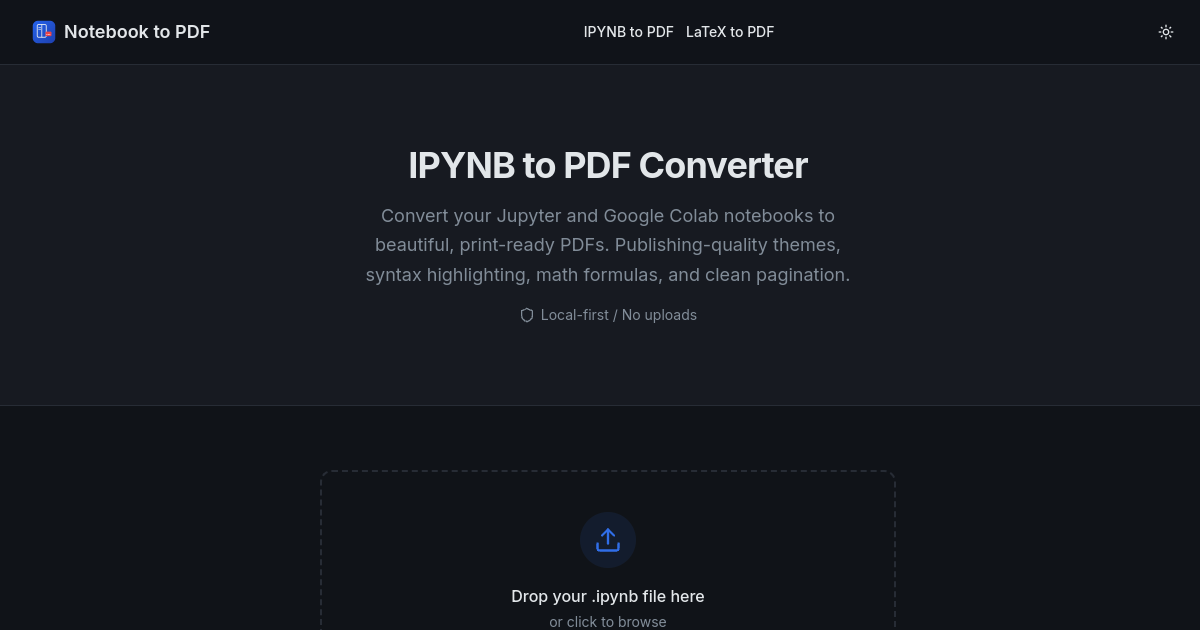
ipynb format) into print-ready PDF documents. The tool is designed to address the needs of users who require high-quality, static exports of their notebooks for purposes such as academic papers, homework, or technical reports, without uploading files to external servers.
Key features include support for publishing-quality themes, with options like Academic, Minimal, and Dark, ensuring that exported PDFs are suitable for formal submission and presentation. The conversion process maintains clean pagination, preventing code blocks, images, and tables from breaking across pages and keeping headings with their associated content. Notebook to PDF offers full support for KaTeX math formula rendering and syntax-highlighted code blocks. Markdown and code cells are supported, along with common outputs such as text, PNG images, and JPEG images. While interactive outputs (such as those from Plotly, Vega, or widgets) are not supported in static PDFs, the tool provides guidance on exporting these as images within the notebook prior to conversion.
The service operates entirely within the user's browser, ensuring that all parsing and rendering are performed locally. This approach means that notebook content is never uploaded, stored, or read by the tool’s servers, addressing privacy concerns for sensitive or unpublished work. Users can enable the rendering of HTML outputs for trusted notebooks, with all rendered HTML sanitized before display. The platform recommends using desktop versions of Chrome or Edge for the most consistent print-to-PDF results, as layout consistency may vary in other browsers.
Notebook to PDF is accessible as a web-based application, requiring no installation or setup for standard use. For users needing stricter academic typography, the tool suggests leveraging LaTeX/XeLaTeX pipelines, while also referencing external CLI workflows for advanced authoring needs. The focus remains on providing a fast, private, and high-quality conversion experience directly in the browser.
Notebook to PDF is a Developer Tools product. It focuses on converting Jupyter and Colab notebooks to high-quality PDFs without uploading files or losing formatting. Notebook to PDF is a consumer product aimed at data scientists, researchers, and students using Jupyter or Colab notebooks. Notebook to PDF is free to use. It runs on the web and the command line.
Notebook to PDF first shipped in 2024. Among its 6 catalogued features are IPYNB to PDF, local processing, and theme selection.
Latest indexed changes and source events
Notebook To Pdf verified by the PulseGate indexer
Other apps tracked under the same category.