Block Icons: Google Library Collection is a WordPress plugin that enables users to insert and customize Google Material Symbols icons directly in the block editor as inline SVGs. Below are 9 ui/ux & prototyping apps with similar functionality to Block Icons: Google Library Collection, matched by what each product actually does — not ranked or scored. Explore each to find the closest fit for your use case.
LWN Icons is a WordPress plugin that integrates Google Material Design icons into the Gutenberg editor, allowing users to add, customize, and interact with icons in their content. It offers features like icon search, size and color customization, and clickable links for enhanced design flexibility.
The Icon Block is a free WordPress plugin that allows users to add, customize, and manage SVG icons and graphics directly within the block (Gutenberg) editor. It includes a large icon library and supports custom uploads, making icon management easy for site designers.

SVG Icon Block is a WordPress plugin that provides a custom Gutenberg block for adding SVG icons to posts and pages. It supports direct SVG uploads, Font Awesome icons, and various customization options, making it easy for site builders and designers to enhance their content visually.
All Icon Block is an open-source WordPress plugin that allows users to insert SVG icons or graphics into their websites using a dedicated block. It integrates with the WordPress icon library for easy selection and customization. The plugin is no longer available for download.
Block: Icons Font Awesome is a WordPress plugin that provides a dedicated block for adding and customizing Font Awesome icons in the Gutenberg editor. It offers an icon picker, inline SVG rendering, and styling controls, making icon integration seamless for site designers.
Easy Symbols & Icons is a WordPress plugin for uploading, managing, and using custom icon fonts. It offers a centralized system, Gutenberg block integration, shortcode support, and dynamic font subsetting, making icon management efficient for developers and designers.
Icon Box Block is a free WordPress plugin that provides a customizable Gutenberg block for adding icons with text in visually appealing boxes. It helps site owners and designers create engaging layouts without coding.
Download List Block with Icons is a WordPress plugin that enables users to create and manage download lists with file-type-specific icons directly in the Gutenberg editor. It supports multiple icon sets, drag-and-drop sorting, and easy file selection from the media library. Ideal for WordPress site owners who want to present downloadable files in a visually organized way.
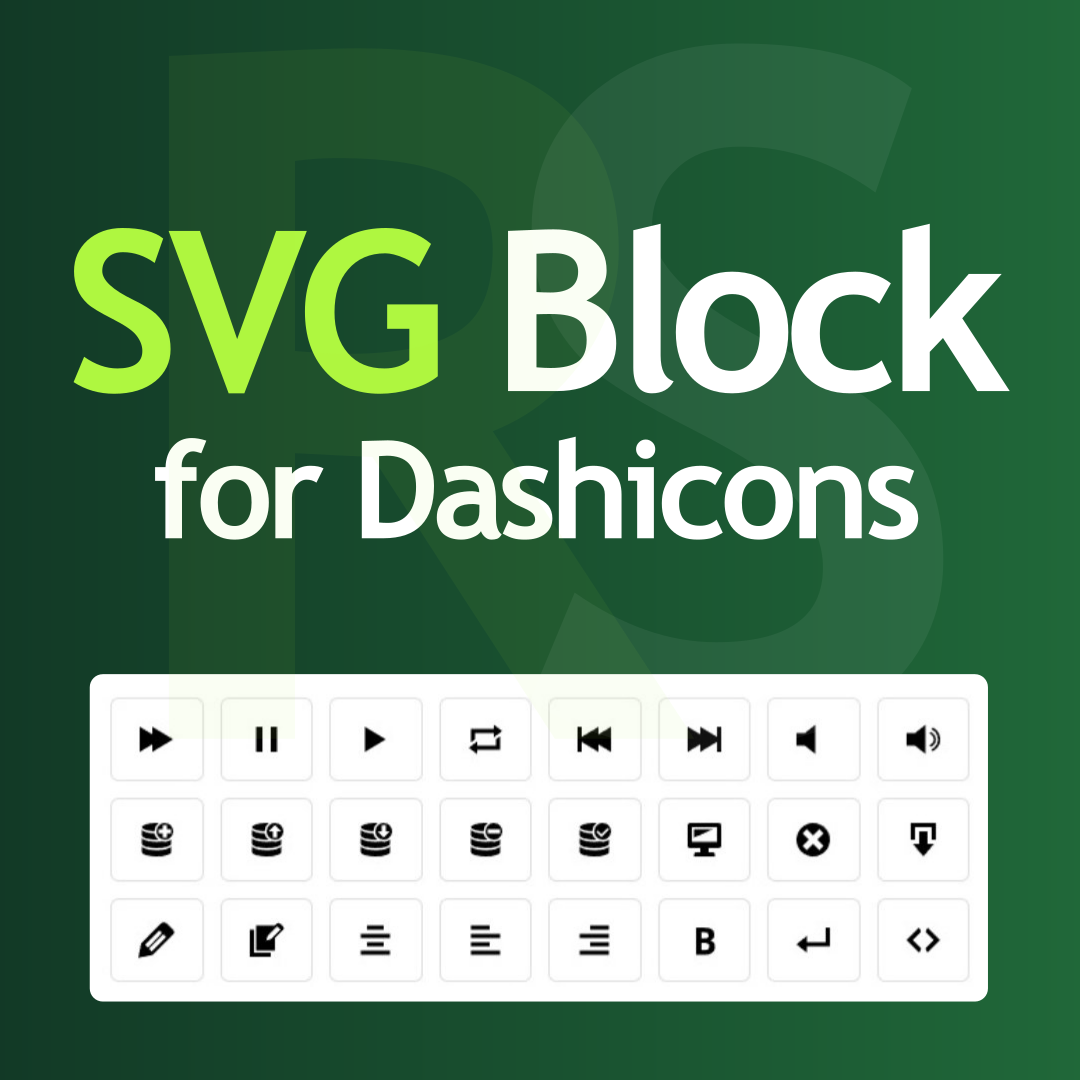
SVG Block for Dashicons by RotiStudio is a WordPress plugin designed to add a new Gutenberg block that enables users to insert and customize Dashicons as inline SVGs on their websites. The plugin provides access to a selection of 334 SVG icons, which can be tailored in terms of size, color, margin, background color, border color, border thickness, and border radius, allowing for integration into a wide variety of website designs. Its interface is intended for content creators who want to add icons without dealing with code, offering a familiar and straightforward experience within the Gutenberg editor. The plugin emphasizes performance, being optimized for speed and compatibility with Core Web Vitals metrics. It avoids the use of icon fonts, CSS pseudo-elements, sprite loaders, or runtime processing, instead rendering icons directly as static HTML. This approach eliminates layout shifts and ensures that icons display immediately without impacting page loading times. The tool is compatible with all block-based WordPress themes and works alongside other plugins, including AMP, caching, and optimization solutions. Accessibility is a key feature, as the plugin is designed to be usable with screen readers and includes focusable options. It adheres to the WordPress Code Standard (WPCS), passes ESLint and PCP (WordPress Plugin Check) validations, and uses only W3C-valid SVG code. The plugin is lightweight, avoids unnecessary features, and builds solely on native Gutenberg capabilities, providing only the essential options needed for icon insertion and customization. SVG Block for Dashicons supports internationalization, allowing users to translate the plugin quickly via the official WordPress translation platform. Documentation, video tutorials, and active support are available through official channels. Installation can be performed through the WordPress plugin directory, file upload, or sFTP. The plugin is suitable for users seeking a simple, accessible, and performance-focused solution for adding scalable SVG icons to WordPress sites without coding.
